See Pimbo for yourself
Look round two Shopify stores in Pimbo: their products, markets, orders, customers and reports, and Develop, where new products are planned, sampled and launched. No sign-up, and nothing to install.
What you’ll find
Each store has orders, customers and a catalogue sold in more than one market. Switch between the two from the top right.
- Products and collections, with each variant’s stock, price and markets on one page.
- Markets and catalogues: what each market sells, and at what price.
- Orders and customers, from an order to the products in it and the person who placed it.
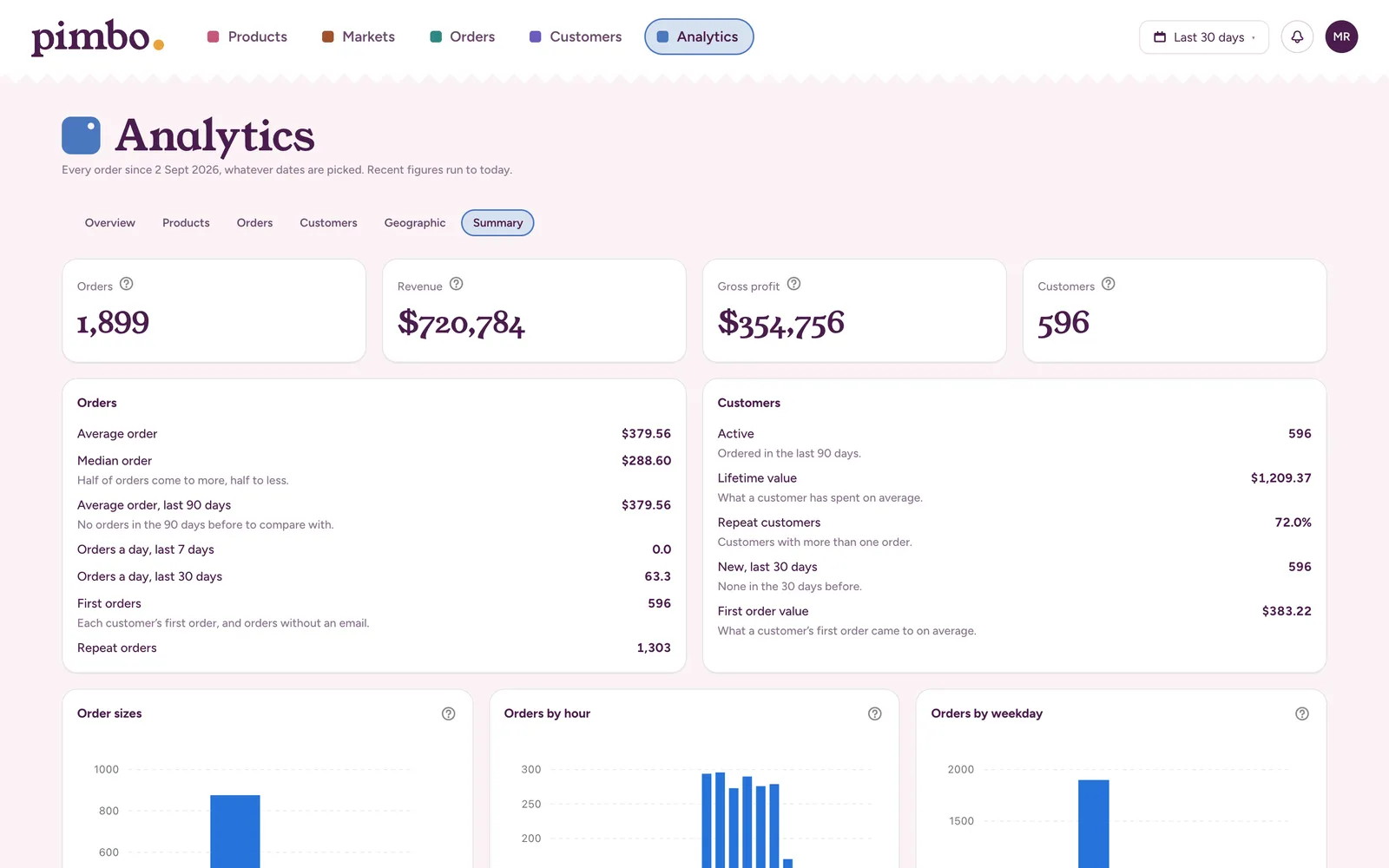
- Reports that show their working: what sold, what’s marked down, what’s running out.
- Develop: a product from first idea through samples, tech pack and purchase order to launch.
How the demo works
-
Try anything
Plan a product, add a supplier, raise a purchase order. It’s one shared account, so you’ll see what others have tried too.
-
Put back twice a day
Every 12 hours the demo goes back to how it started, so it’s always there to explore.
-
Some things are off
Nothing here emails anyone, uses Pimbo Core, uploads a file or saves to the stores in Shopify. In your own store, all of it works.
Ready to try it on your store?
Pimbo syncs your store in the background, and every change you save goes back to Shopify.